





Why Starting a Blog in 2026 Is Still One of the Best Decisions You Can Make
Let’s be honest — you’ve probably heard someone say “blogging is dead.” They were wrong in 2020. They were wrong in 2023. And they’re especially wrong in 2026.
Here’s the reality: over 600 million blogs exist on the internet, and the ones that are growing fast are the ones being run by smart, strategic creators who use the right tools, focus on real audience problems, and treat their blog like a business from day one.
The difference in 2026? AI has completely changed the game. You no longer need to be a developer to build a beautiful blog, or a professional writer to create high-ranking content. The barrier to entry has never been lower — but the bar for quality has never been higher. That’s actually good news for beginners who are willing to do it properly.
This guide will walk you through exactly how to start a blog in 2026 step by step — from choosing your niche to publishing your first post, ranking on Google, and eventually earning real income from your blog.
No fluff. No filler. Just the exact roadmap you need.
Content is king.
— Bill Gates
What Is Blogging in 2026? (And Why It Still Works)
Blogging has evolved far beyond a personal online journal. In 2026, a successful blog is a content-driven business — a platform that builds trust, attracts organic traffic from search engines, and generates income through multiple streams.
Here’s what’s changed in the past few years:
- AI-assisted content creation has made it easier to research, draft, and optimize articles faster than ever.
- Search engines are smarter — Google’s AI Overviews and updated ranking systems now reward depth, originality, and genuine expertise over keyword-stuffed content.
- Niche authority matters more than ever. Broad, generic blogs struggle. Tightly focused blogs that go deep on one topic dominate search results.
- Video + blog hybrids are thriving. Bloggers who repurpose content into YouTube Shorts or Instagram Reels grow their audience 3–5x faster.
The bloggers winning right now aren’t just writers — they’re strategic content creators who understand SEO, audience psychology, and monetization. This guide will make you one of them.
Step-by-Step Guide: How to Start a Blog in 2026
Step 1: Choose a Profitable Niche
Your niche is the single most important decision you’ll make. Pick something too broad (like “health”) and you’ll never rank. Pick something you hate, and you’ll quit in three months.
The sweet spot? A niche that sits at the intersection of:
- Something you genuinely know or care about
- Something people are actively searching for
- Something with monetization potential
Profitable blog niche ideas for 2026:
- Personal finance for Gen Z (budgeting, investing, side hustles)
- AI tools for small businesses and solopreneurs
- Home renovation on a budget
- Remote work and digital nomad lifestyle
- Sustainable living and eco-friendly products
- Pet health and care (high affiliate potential)
- Mental health for professionals
- Parenting with technology (screen time, educational apps)
- Niche travel (solo female travel, van life, budget backpacking)
Pro tip: Use Google Trends, AnswerThePublic, and Ahrefs Free Keyword Explorer to validate demand before committing to a niche.
Step 2: Pick the Right Blogging Platform
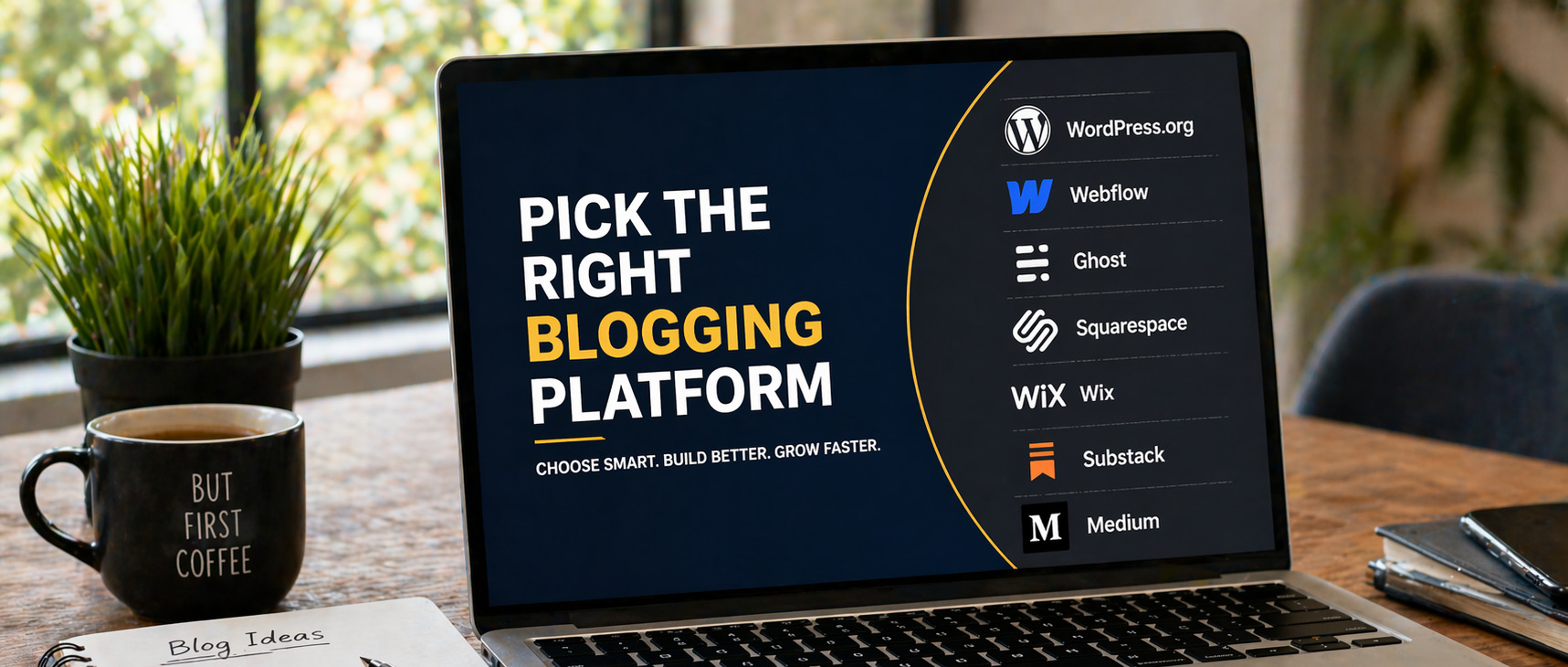
This is where many beginners overthink things. Here’s a straightforward comparison of the best blogging platforms for beginners in 2026:
|
Platform |
Best For |
Ease of Use |
Cost |
SEO Friendly? |
|
WordPress.org |
Full control, serious bloggers |
Medium |
$3–10/mo (hosting) |
✅ Excellent |
|
Webflow |
Designers, visual builders |
Medium-Hard |
$14–23/mo |
✅ Excellent |
|
Ghost |
Writers, newsletters |
Easy |
$9–25/mo |
✅ Very Good |
|
Wix |
Complete beginners |
Very Easy |
Free / $17+/mo |
⚠️ Good |
|
Squarespace |
Portfolio + blog combo |
Easy |
$16–23/mo |
⚠️ Good |
|
Medium |
Writing only, no monetization control |
Very Easy |
Free |
❌ Limited |
|
Substack |
Newsletter-first content |
Very Easy |
Free (% of revenue) |
❌ Limited |
The honest recommendation: For 99% of beginner bloggers who want to grow traffic and make money, WordPress.org is still the best choice in 2026. It powers 43% of all websites on the internet for a reason — flexibility, SEO control, plugin ecosystem, and long-term scalability.
If you’re a designer or want a more visual building experience, Webflow is the premium alternative. If you’re newsletter-first, go with Ghost.
Step 3: Get a Domain Name + Hosting (Budget-Friendly)
Your domain name is your blog’s identity online. Keep it:
- Short (under 15 characters if possible)
- Easy to spell and say out loud
- Related to your niche or your brand name
- A .com extension if available
Where to buy your domain: – Namecheap — Domains from ~$10/year, clean interface, great support – Google Domains (now Squarespace Domains) — Simple and reliable – Cloudflare Registrar — At-cost pricing, no markup
Low-cost hosting for beginner bloggers: – Hostinger — Starting at ~$2.99/month, excellent speed, one-click WordPress install – SiteGround — Slightly more expensive (~$3.99/mo) but outstanding support and performance – Cloudways — Best for bloggers ready to scale, starts at $11/mo
Total low cost blog setup for beginners: Domain + hosting can be live for as little as $3–5/month — less than a coffee.
Step 4: Set Up Your Blog (Non-Technical Steps)
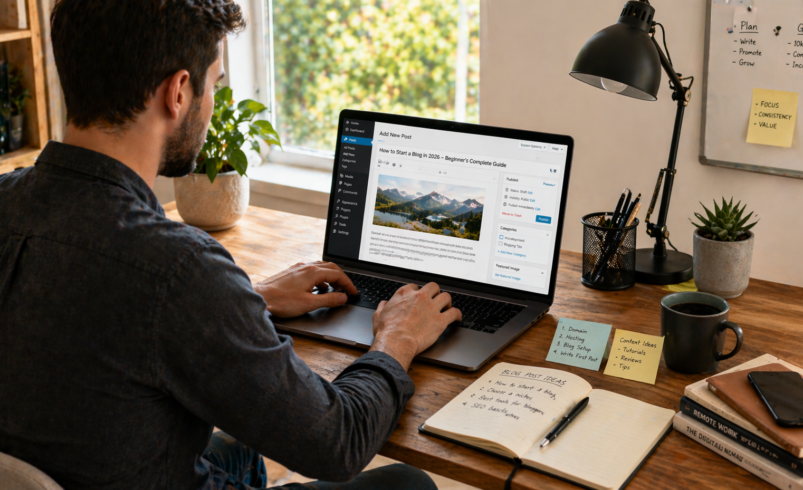
Once you have hosting, setting up WordPress takes about 15 minutes:
- Log into your hosting dashboard
- Use the one-click WordPress installer (available in Hostinger, SiteGround, and most hosts)
- Choose your WordPress username and password
- Log into your new WordPress dashboard at com/wp-admin
- Install essential plugins (see below)
- Choose and install a theme
Essential WordPress plugins for beginner bloggers:
- Rank Math or Yoast SEO — On-page SEO optimization
- Kadence Blocks or Elementor — Visual page builder
- WP Rocket or LiteSpeed Cache — Site speed optimization
- Akismet — Spam protection
- WPForms Lite — Contact forms
- MonsterInsights — Google Analytics integration
Step 5: Design & UX Basics — Make Your Blog Look Good
You don’t need to be a designer. You need to be smart about UX (user experience). Here’s what actually matters:
- Use a fast, clean theme. GeneratePress, Kadence, and Astra are all free, blazing fast, and SEO-ready. Don’t use bulky, overloaded themes.
- Clear navigation: Visitors should find your main categories within 2 clicks.
- Readable typography: Use a sans-serif body font at 16–18px. Generous line spacing (1.6–1.8).
- Mobile-first: Over 60% of web traffic is mobile. Test your blog on your phone before publishing.
- Email opt-in: Add a simple email capture form from day one. Use ConvertKit (now Kit) or Beehiiv — both have free tiers.
Step 6: Create a Winning Content Strategy
This is where most beginner blogs fail — they publish random posts and wonder why they get no traffic.
In 2026, a smart content strategy looks like this:
- Keyword research first, always.
Use free tools like Google Search Console, Ubersuggest, or the free tier of Ahrefs to find keywords with decent search volume and low-to-medium competition. Target long-tail keywords like “best budget laptops for college students 2026” rather than just “laptops.” - Write pillar posts and supporting cluster content.
A pillar post is a 2,000–3,500-word comprehensive guide on a broad topic. Cluster posts are shorter articles on specific subtopics — all linking back to the pillar. This structure tells Google you’re an authority. - Optimize every post for on-page SEO: – Put your primary keyword in the title, URL, first paragraph, at least one H2, and meta description – Use variations naturally throughout the article – Add internal links to at least 2–3 other posts on your blog – Include at least one external link to an authoritative source – Compress all images and add descriptive alt text
- Publish consistently, not constantly.
One high-quality, deeply researched 2,000-word post per week beats five thin, rushed 400-word posts every time.
Best AI Tools for Blogging and Content Writing in 2026
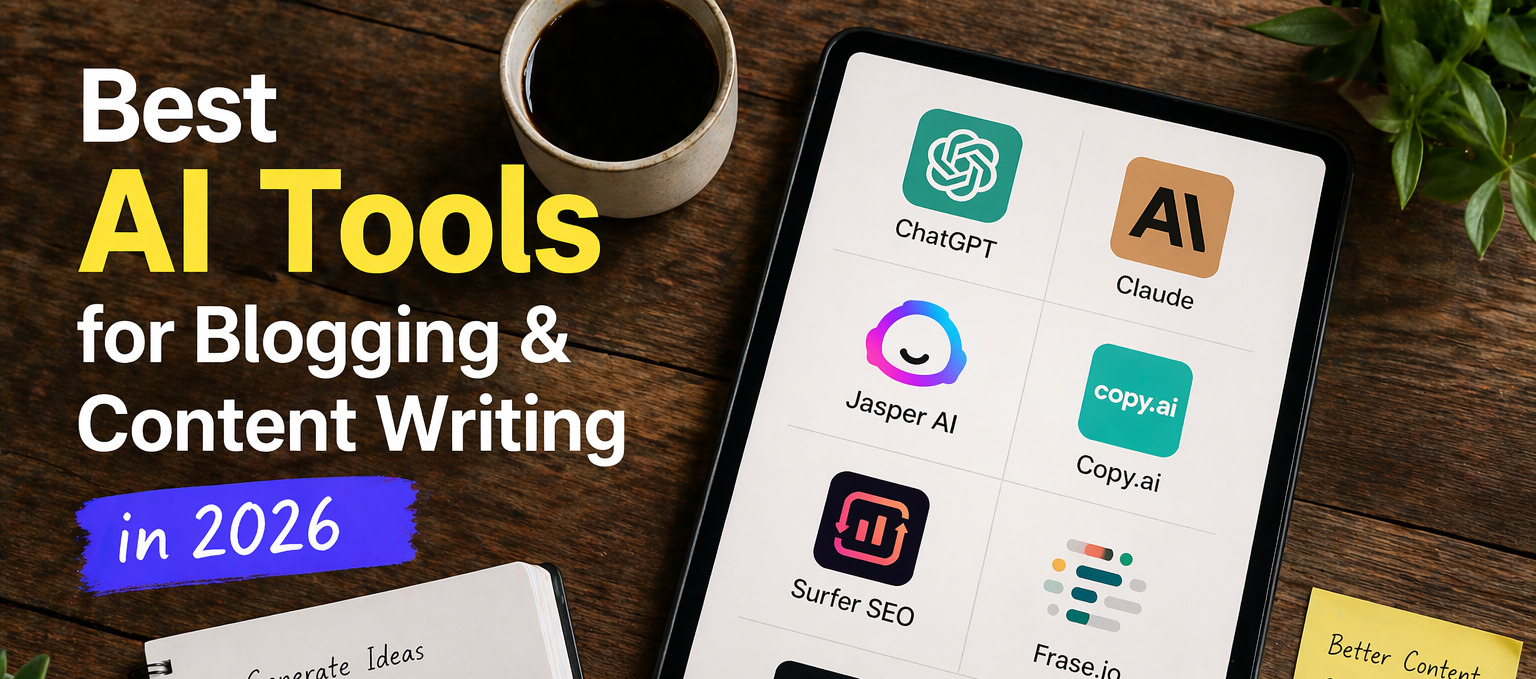
AI has changed content creation permanently. Here’s an honest comparison of the tools actually worth using:
|
Tool |
Best Use Case |
Pros |
Cons |
Price |
|
ChatGPT (GPT-4o) |
Research, outlines, drafts, editing |
Versatile, fast, smart |
Needs fact-checking, can be generic |
Free / $20/mo |
|
Claude (Anthropic) |
Long-form writing, nuanced content |
Excellent writing quality, strong reasoning |
No image generation |
Free / $20/mo |
|
Jasper AI |
Marketing copy, blog posts at scale |
Templates, brand voice feature |
Expensive, can be formulaic |
From $39/mo |
|
Copy.ai |
Short-form content, social posts |
Quick, easy UI |
Weaker for long articles |
Free / $36/mo |
|
Surfer SEO |
SEO content optimization |
Real-time keyword guidance, NLP analysis |
Pricier for beginners |
From $89/mo |
|
Frase.io |
SEO briefs + AI writing |
Good research + writing combo |
Less refined output |
From $45/mo |
|
Perplexity AI |
Research and fact-finding |
Up-to-date sources, citations |
Not a full writer |
Free / $20/mo |
Best beginner AI stack (under $50/month): – ChatGPT or Claude for writing and editing – Ubersuggest or Mangools for keyword research
– Canva for blog graphics
SEO Basics for Beginner Bloggers
You don’t need to be an SEO expert. You need to understand the basics and apply them consistently.
On-Page SEO Checklist for Every Post:
- ✅ Include primary keyword in the H1 title
- ✅ Write a compelling meta description under 160 characters
- ✅ Use keyword in the first 100 words of the article
- ✅ Use H2s and H3s with keyword variations
- ✅ Add alt text to all images
- ✅ Include 2–3 internal links per post
- ✅ Keep URL slug short and keyword-rich (e.g., /start-blog-2026)
- ✅ Use short paragraphs (3–4 lines max) for readability and featured snippet potential
What Google Rewards in 2026:
- Depth and originality — Original research, personal experience, and unique perspectives rank above rehashed content
- E-E-A-T (Experience, Expertise, Authoritativeness, Trustworthiness) — Add an author bio, cite sources, be transparent
- User engagement — Low bounce rate, long time-on-page, and click-throughs signal quality to Google
How to Make Money Blogging for Beginners
Here are the four main monetization strategies, ranked by how soon you can realistically start earning:
1. Affiliate Marketing (Start: Month 3+)
Promote other companies’ products and earn a commission on every sale. This is the fastest path to income for bloggers.
- Join Amazon Associates, ShareASale, or com
- Write honest product reviews, comparisons, and “best of” roundups
- A blog with 10,000 monthly visitors can realistically earn $500–$3,000/month in affiliate income
2. Display Advertising (Start: Month 6+)
Place ads on your blog and earn per page view.
- Start with Google AdSense (low barrier to entry)
- Upgrade to Mediavine (50,000 sessions/month minimum) or Raptive for 3–5x better rates
3. Digital Products (Start: Month 6+)
Create and sell your own products — the highest-margin income stream.
- eBooks, templates, courses, printables, notion dashboards
- Use Gumroad or Lemon Squeezy to sell with zero upfront cost
4. Services (Start: Month 1)
If you need income while growing, offer your expertise as a service.
- Freelance writing, SEO consulting, coaching, social media management
- Use your blog as your portfolio and lead generation tool
Common Mistakes Beginner Bloggers Make (And How to Avoid Them)
- Choosing a niche that’s too broad. “Travel” won’t rank. “Budget solo travel in Southeast Asia” can.
- Skipping keyword research. Writing what you feel like writing instead of what people are searching for is the fastest way to get zero traffic.
- Using free hosting. Free hosting (like WordPress.com’s free plan) limits your SEO, speed, and credibility. Invest $3/month in real hosting.
- Publishing and forgetting. Update your old posts every 6–12 months. Google rewards freshness.
- Ignoring email from day one. Your email list is your most valuable owned asset — social media algorithms can change overnight.
- Over-relying on AI. AI is a tool, not a ghostwriter. Add your personal experience, opinions, and original examples to every post.
- Comparing your month 1 to someone else’s year 5. Blogging takes 6–18 months to gain real traction. The ones who succeed are the ones who don’t quit.
Pro Tips for Faster Blog Growth in 2026
- Repurpose every post. Turn each blog post into a Twitter/X thread, a LinkedIn post, a short YouTube video, or an email newsletter. One piece of content should live in 4–5 places.
- Build topical authority fast. In your first 90 days, publish 15–20 tightly related posts on one narrow topic rather than scattered content. Google will recognize you as an authority faster.
- Reach out for backlinks early. One quality backlink from a relevant site is worth more than 100 mediocre ones. Start with guest posts on niche blogs and HARO (Help a Reporter Out, now Connectively) pitches.
- Use Google Search Console from day 1. It’s free and shows you exactly which queries bring people to your blog, so you can optimize accordingly.
- Create content hubs. Group 5–8 related posts together with clear internal linking. This boosts rankings for every post in the cluster.
- Write for humans, optimize for Google. The best SEO in 2026 is simply writing genuinely helpful, clear, in-depth content — then applying the technical SEO layer on top.
Conclusion: Your Blog Starts Today
Starting a blog in 2026 is both easier and smarter than it’s ever been. You have AI tools to help you create content faster, no-code platforms to build a professional site without touching a line of code, and a global audience actively searching for exactly what you know.
But here’s the honest truth: the tools don’t matter nearly as much as starting. Most people read guides like this one and then wait for the “perfect moment.” That moment doesn’t exist.
Your first post won’t be perfect. Your design won’t be perfect. Your niche might even shift slightly after your first 20 posts. That’s all completely fine — because the bloggers who succeed are the ones who start, iterate, and keep going while everyone else is still planning.
Here’s your action plan for the next 7 days: 1. Pick your niche today 2. Buy a domain and set up hosting this weekend (~$40 for a full year) 3. Install WordPress and choose a free theme 4. Write your first 3 post ideas based on keyword research 5. Publish your first article — even if it’s not perfect
The best time to start a blog was five years ago. The second best time is right now.
Frequently Asked Questions
How long does it take to start a blog in 2026?
You can technically have a blog live within a few hours. Choosing your niche, setting up WordPress, and publishing your first post can all be done in a single weekend. The time investment is minimal — the consistent effort over months is where the results come from.
How much does it cost to start a blog for beginners in 2026?
A basic blog with a domain and shared hosting costs as little as $30–$50 for the first year. Many essential tools (WordPress, Google Analytics, basic SEO plugins) are completely free. A premium beginner setup with paid SEO and email tools runs $50–$100/month.
Do I need any technical skills to start a blog in 2026?
No. Platforms like WordPress with modern page builders like Elementor or Kadence Blocks require zero coding. AI tools can help you write, design graphics, and even troubleshoot basic issues. If you can send an email, you can set up a blog.
Can you still make money blogging in 2026?
Yes — but realistic expectations matter. Most bloggers start seeing meaningful income between months 6–18. Bloggers with 50,000+ monthly sessions can earn $2,000–$10,000+/month through a combination of affiliate marketing, ads, and digital products. It’s a long game with real upside.
What are the best AI tools for beginner bloggers in 2026?
The most accessible starting stack is ChatGPT or Claude for writing assistance, Canva for graphics, and a free keyword tool like Ubersuggest for SEO research. This combination costs under $25/month and covers the core needs of a beginner blogger.
How often should I post on my new blog?
Quality beats quantity every time. One thoroughly researched, 1,500–2,500-word post per week is far more effective than daily thin content. In your first 3 months, aim to publish 12–15 strong posts before worrying about increasing frequency.
Is WordPress still the best blogging platform for beginners in 2026?
Yes, for most bloggers. WordPress.org (self-hosted) offers unmatched flexibility, SEO capabilities, plugin ecosystem, and long-term control. If design is your priority, Webflow is an excellent alternative. For newsletter-first creators, Ghost or Beehiiv may be better fits.